Everything your retail operation needs in one platform
From performance dashboards and AI insights to reputation intelligence and store comparisons — OpSightIQ gives optical retailers and multi-location operators a complete command center for their business.
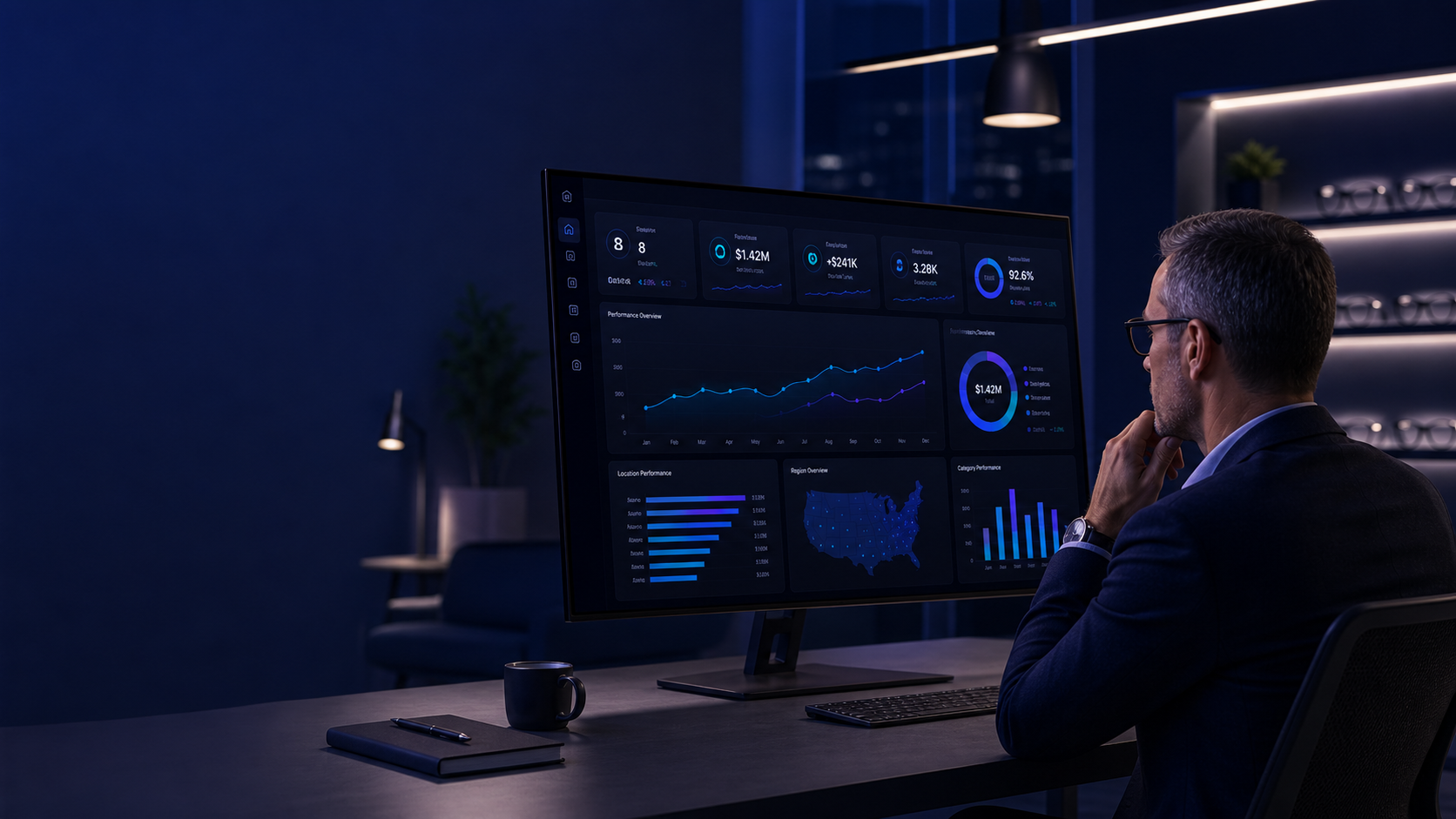
Performance Dashboard
Your central command center for retail performance. See every key metric across all locations at a glance, with real-time updates as you import new data.
- Gross sales, net revenue, and order volume by store and period
- Average order value (AOV) trends and period-over-period comparisons
- Collection rate tracking — what was billed vs. what was collected
- Prior-year delta indicators showing growth or decline at a glance
- Revenue trend charts with multi-period overlay capability
- Primary diagnosis per store based on performance patterns
- Network-wide totals alongside individual location breakdowns
Individual Store Analysis
Drill into any location for a complete performance picture. Understand not just what the numbers are, but what they mean for that specific store.
- Full KPI breakdown for any selected store and date range
- Revenue and order trend charts with customizable time periods
- Month-over-month and year-over-year comparison views
- AI-generated performance summary specific to that location
- Identification of positive drivers and areas of concern
- Store-level action plan with prioritized recommendations
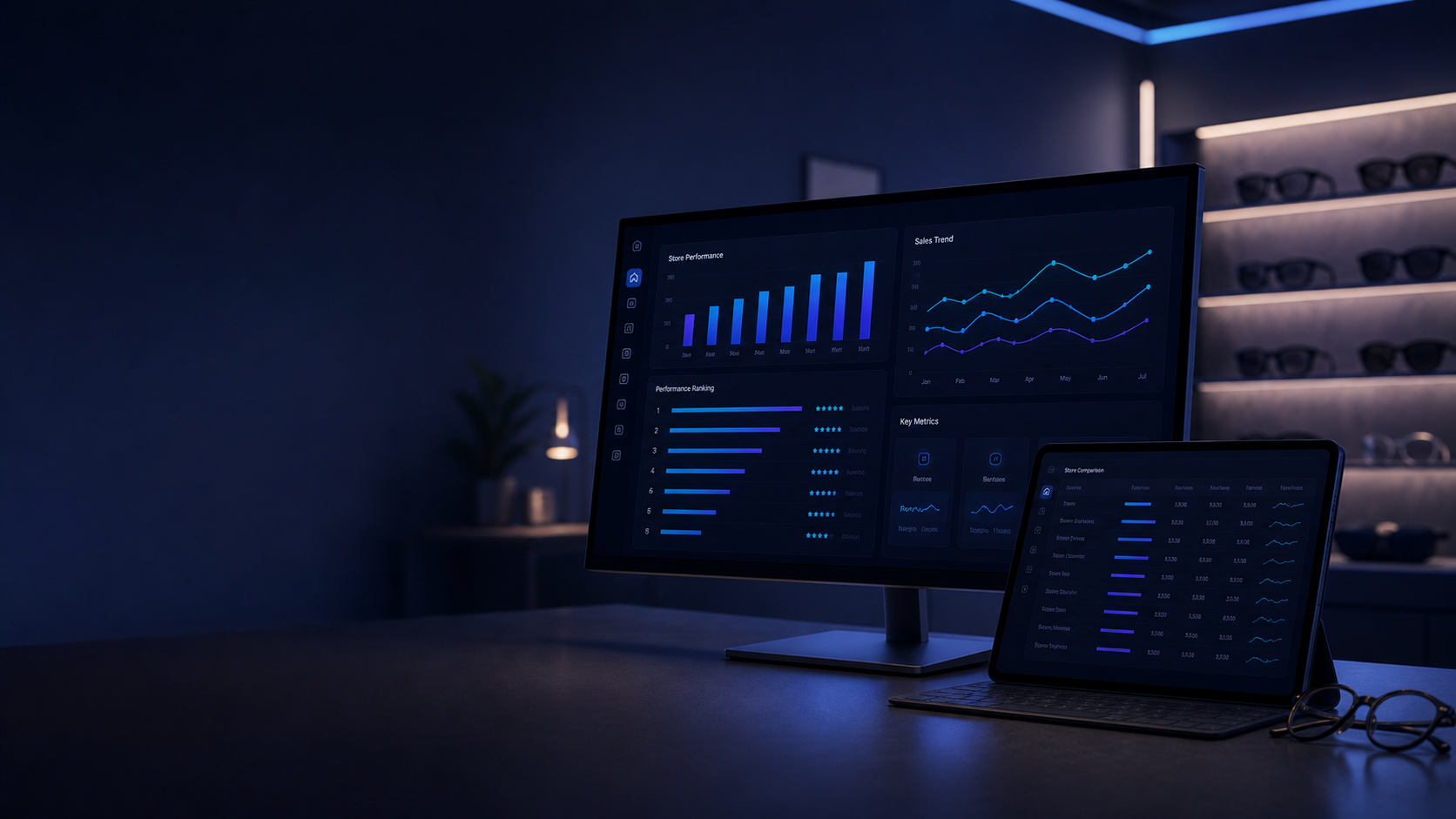
Store Comparison & Rankings
See how every location stacks up side by side. Identify your top performers, surface underperforming stores, and understand the gaps between them.
- Side-by-side comparison of all locations on any metric
- Sortable performance rankings by revenue, orders, AOV, or collection rate
- Leaderboard with gold, silver, and bronze performance tiers
- AI commentary on what the performance gaps mean and why they matter
- Benchmark comparison: how does each store compare to the network average?
- Trend direction indicators — which stores are improving vs. declining
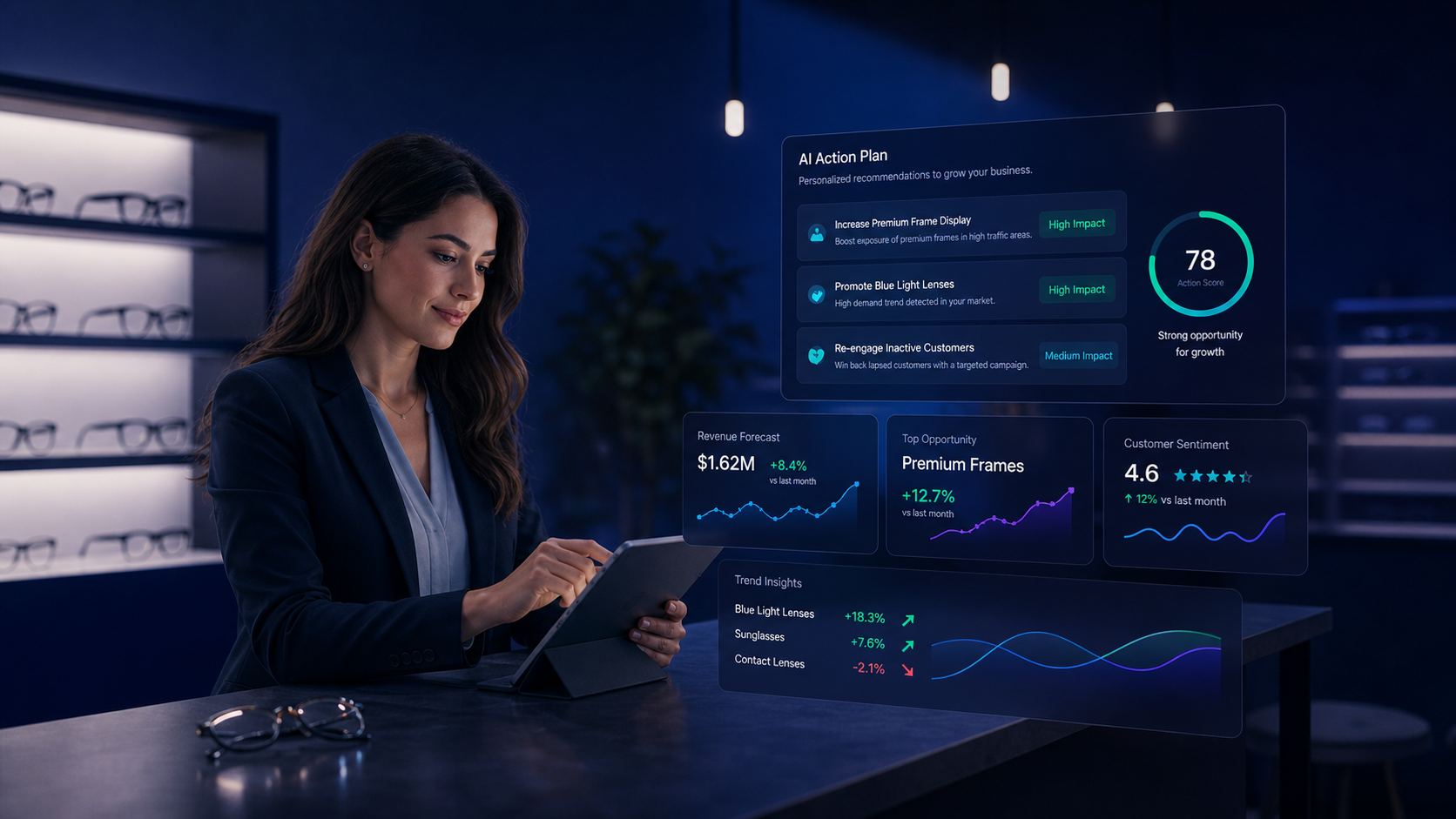
AI Insights & Action Plans
OpSightIQ's AI engine analyzes your store data and generates clear, structured insights — not just summaries, but actionable recommendations your team can act on immediately.
- Plain-English performance narrative for each store and period
- Revenue driver identification: what is helping and what is hurting
- Risk area flagging with context and suggested responses
- Prioritized action plan with specific, practical next steps
- Multi-store AI analysis comparing performance across locations
- Executive summary format for leadership review and team meetings
- Export to PDF, Word, or plain text for sharing with your team
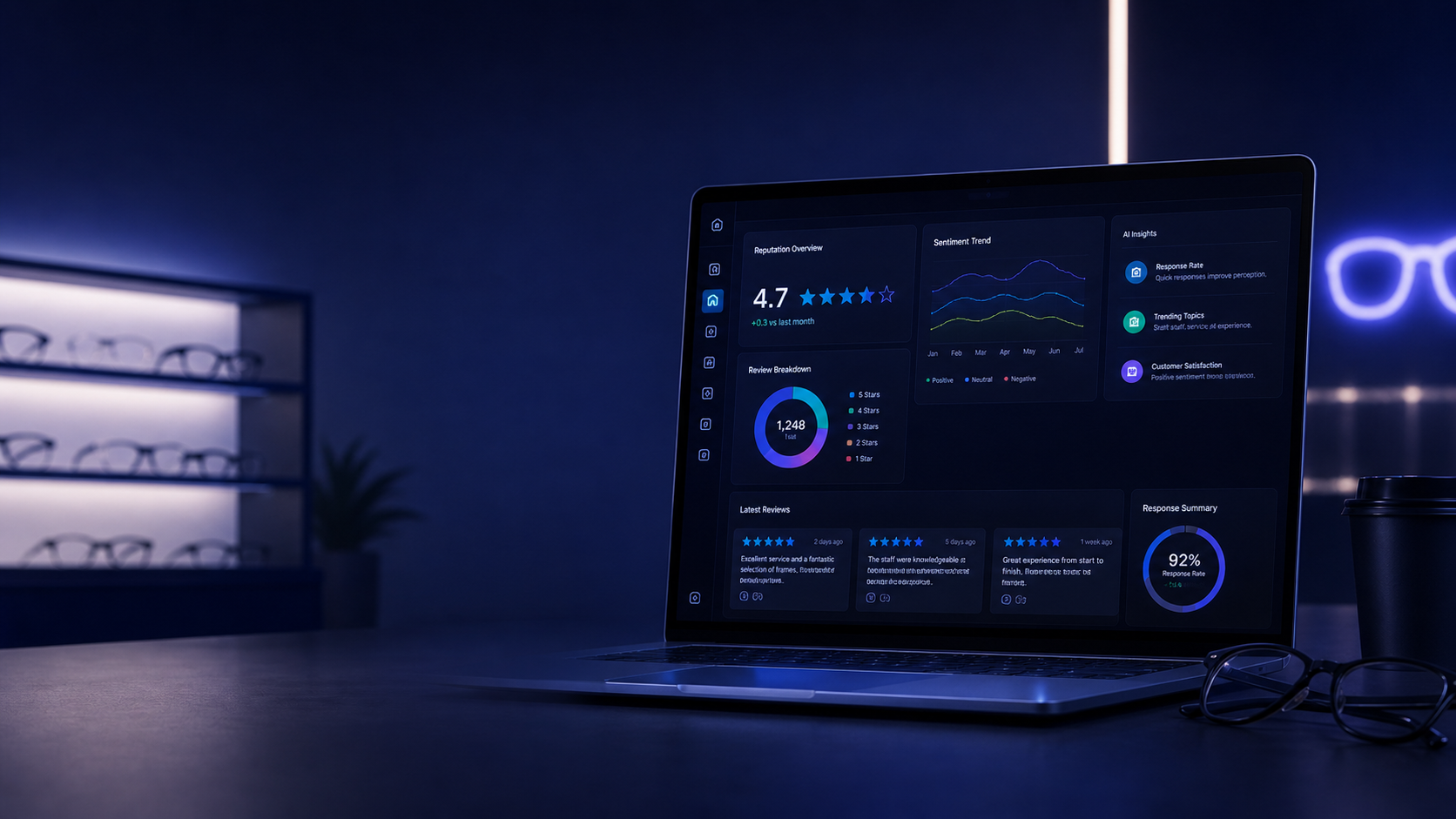
Google Reputation Monitoring
Your Google reputation directly influences customer decisions. OpSightIQ monitors your ratings, reviews, and sentiment across every location so you can protect and improve your online presence.
- Google rating tracking and trend monitoring per store
- Review volume analysis and response rate tracking
- Customer sentiment scoring: positive, neutral, negative breakdown
- Negative review detection with urgency flagging
- AI-suggested response drafts for individual reviews
- Cross-store reputation comparison and ranking
- Monthly reputation action plan with growth recommendations
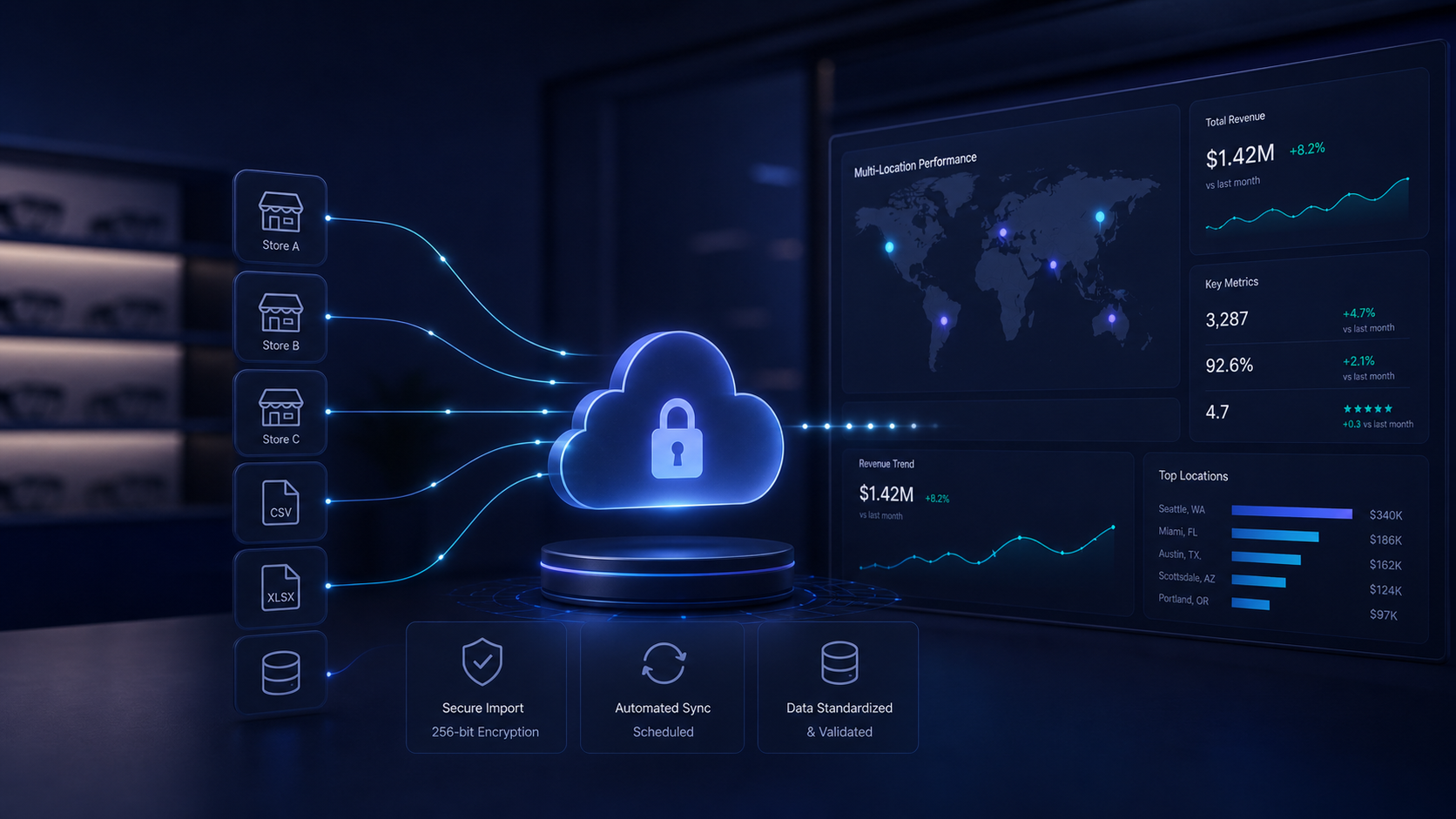
Flexible Data Import
No complex integrations required to get started. Import your store data from the reports you already generate, in the formats you already use.
- CSV, XLSX, and JSON file import support
- Flexible field mapping for different report formats
- Clipboard paste support for quick data entry
- Merge mode to update existing records without duplicates
- Import history with status tracking and error reporting
- Admin debug inspector for troubleshooting import issues
- Supports multiple store locations in a single import file
Full Access on Any Device
OpSightIQ is built to be fully usable on mobile, tablet, and desktop. Leaders and managers can check performance, review AI insights, and monitor reputation from anywhere.
- Fully responsive design optimized for mobile and tablet
- Performance KPIs and trend charts on any screen size
- AI insights and action plans accessible on the go
- Reputation dashboard and review alerts anywhere
- Store comparison and leaderboard on mobile
- No app download required — works in any modern browser


Role-Based Access Control
Give every team member the right level of access. Owners, corporate teams, store managers, and regional directors can each have a tailored view of the platform.
- Admin, manager, and viewer permission levels
- Store-level access restrictions for individual managers
- Corporate-level access across all locations
- User management panel for creating and deactivating accounts
- Password management and account security controls
- Activity log for admin visibility into platform usage
Everything included in OpSightIQ
Sales Performance
- Gross sales & net revenue tracking
- Order volume by store and period
- Average order value (AOV) analysis
- Collection rate monitoring
- Prior-year delta comparisons
- Revenue trend charts
- Multi-period overlay views
- Network-wide totals dashboard
- Store-level performance cards
- Primary diagnosis per location
AI & Intelligence
- Plain-English performance narratives
- Revenue driver identification
- Risk area detection & flagging
- Prioritized action plans
- Multi-store AI comparison
- Executive summary generation
- Manager talking points
- PDF, Word & TXT export
- AI chat interface for ad-hoc queries
- Structured report sections
Reputation & Reviews
- Google rating tracking per store
- Review volume trend monitoring
- Sentiment scoring & breakdown
- Negative review detection
- AI response draft suggestions
- Cross-store reputation ranking
- Response rate tracking
- Review import (CSV/manual)
- Reputation action plans
- Demo data mode for onboarding
Comparison & Rankings
- Side-by-side store comparison
- Sortable performance leaderboard
- Gold/silver/bronze performance tiers
- Network average benchmarking
- Trend direction indicators
- AI commentary on performance gaps
- Store ranking by any KPI
Data & Import
- CSV, XLSX & JSON import
- Flexible field mapping
- Clipboard paste support
- Merge mode (no duplicates)
- Import history & status tracking
- Error reporting & debug tools
- Multi-store import support
- Manual data entry forms
Platform & Access
- Role-based access control
- Admin user management
- Store-level permissions
- Activity log & audit trail
- Mobile-responsive design
- No app download required
- Custom alert configuration
- Performance alert notifications
- Print & export reports
Ready to see OpSightIQ in action?
Request a demo and we will show you exactly how OpSightIQ can work for your stores.