Your online reputation is part of your performance.
Google reviews influence where customers choose to go. OpSightIQ monitors your reputation across every location, surfaces risks before they grow, and helps your team respond with confidence.
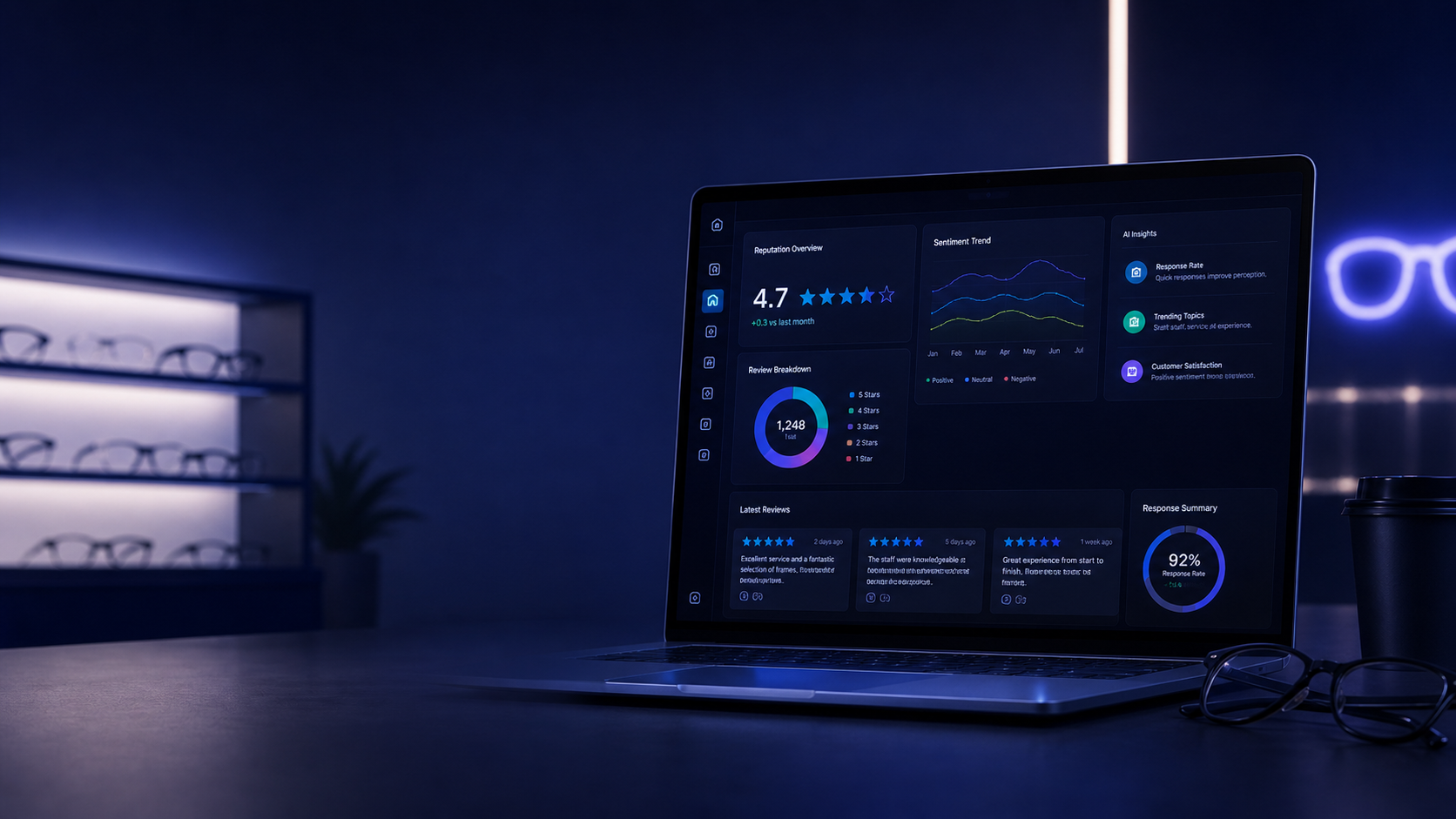
What customers read before they walk in your door
Before a patient books an appointment or walks into your optical store, they check your Google reviews. Your rating and how you respond to feedback shapes their first impression — and their decision.
Ratings Drive Foot Traffic
A difference of even half a star in your Google rating can meaningfully affect how many new customers choose your location over a competitor nearby.
Reviews Reveal Operational Issues
Negative reviews often surface real problems — wait times, staff interactions, product quality — before they show up in your sales data or customer complaints.
Response Rate Signals Care
Customers and prospects notice whether you respond to reviews. A high response rate signals that your business listens and cares about the experience it delivers.
Track every store's Google rating over time
OpSightIQ gives you a clear view of your Google rating trends across every location — not just a snapshot, but the trajectory. Are you improving? Holding steady? Slipping?
- Current Google rating per store with trend direction indicator
- Rating history chart showing movement over time
- Review volume tracking — how many reviews are coming in each month
- Response rate monitoring — what percentage of reviews are being answered
- Cross-store rating comparison and ranking
- Network-wide reputation overview for leadership
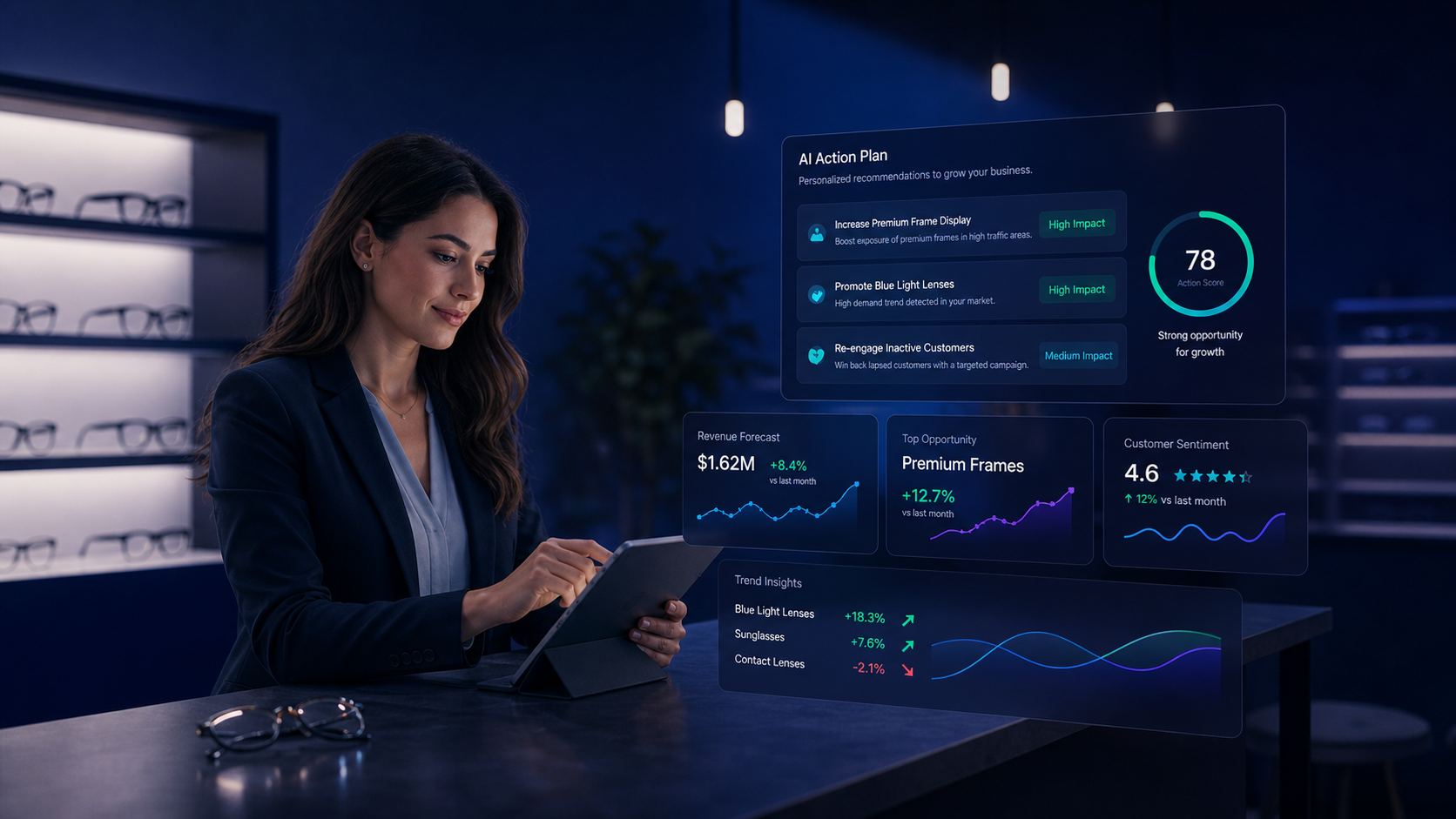
Understand what customers are actually saying
Beyond star ratings, OpSightIQ analyzes the language in your reviews to identify what customers are praising, what they are criticizing, and what themes are emerging across your locations.
- Positive, neutral, and negative sentiment scoring per store
- AI-identified common themes in customer feedback
- Recurring praise categories: staff, product quality, service speed
- Recurring complaint categories: wait times, pricing, product issues
- Sentiment trend tracking over time — is it improving or declining?
- Cross-store sentiment comparison to identify systemic vs. local issues
Catch negative reviews before they become a problem
A single unanswered 1-star review can sit on your profile for years. OpSightIQ flags negative reviews as they come in, prioritizes them by urgency, and helps your team respond quickly and professionally.
- Automatic detection of 1-star and 2-star reviews across all stores
- Urgency scoring based on rating, recency, and content
- Review queue organized by priority for easy triage
- AI-generated response draft suggestions for each review
- Response tracking — mark reviews as addressed
- Alert notifications for new negative reviews (configurable)
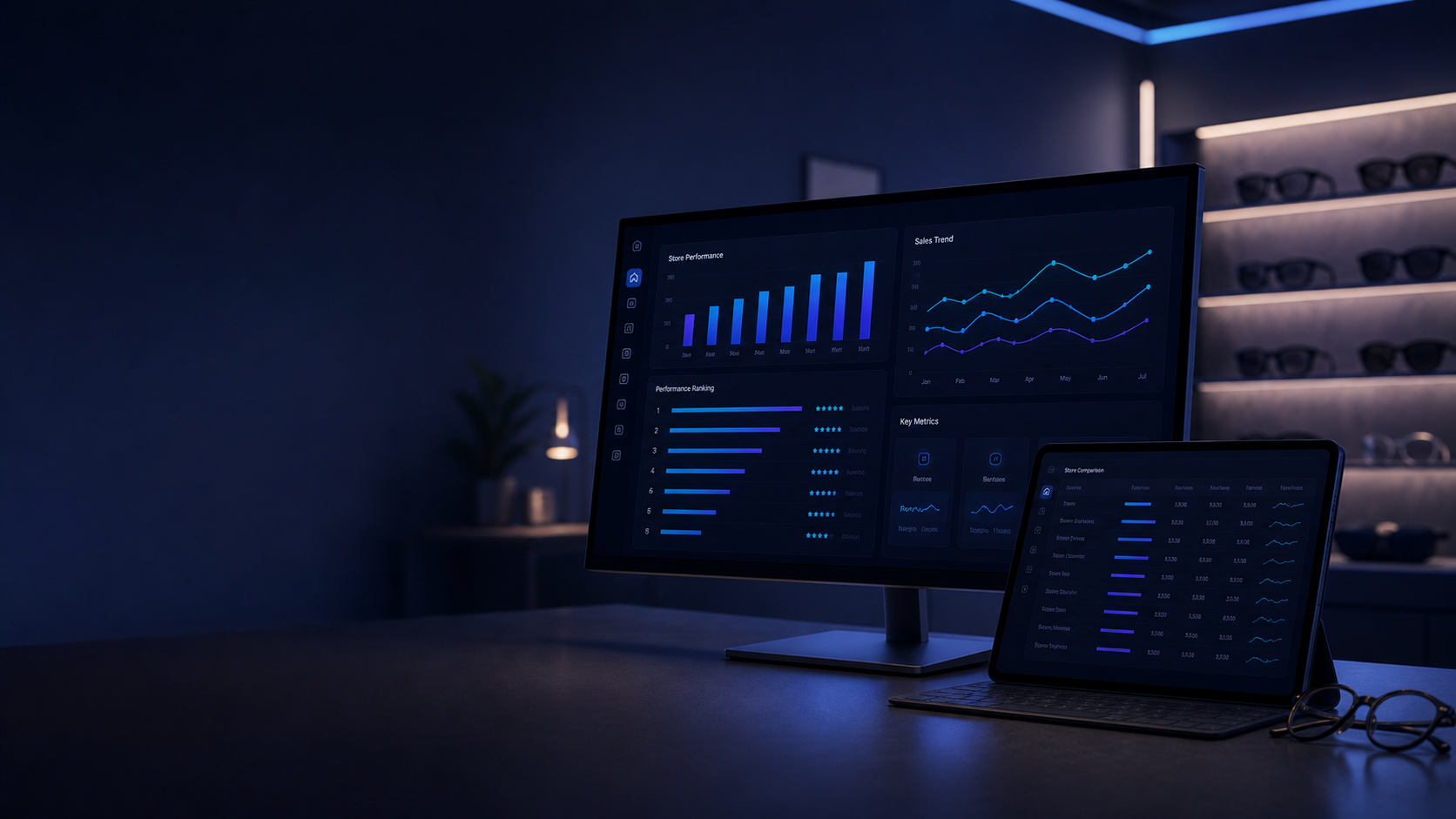
Respond to reviews with confidence
Writing thoughtful responses to every review takes time your team doesn't always have. OpSightIQ's AI response assistant drafts professional, on-brand replies so your team can review, personalize, and post — in a fraction of the time.
- AI-generated response drafts for any review
- Tone options: professional, warm, apologetic, appreciative
- Context-aware responses that address specific review content
- Editable drafts — your team always has the final word
- Response templates for common review types
- One-click copy to paste directly into Google Business Profile
Compare reputation across all your locations
For operators with multiple stores, understanding how each location's reputation compares to the others is essential. OpSightIQ gives you a clear cross-store view so you know where to focus your attention.
- Side-by-side reputation comparison for all stores
- Ranking by rating, review volume, sentiment score, and response rate
- AI commentary on what the differences mean operationally
- Identification of stores at risk of reputation decline
- Best-practice sharing: what is the top-rated store doing differently?
- Monthly reputation action plan with store-specific recommendations
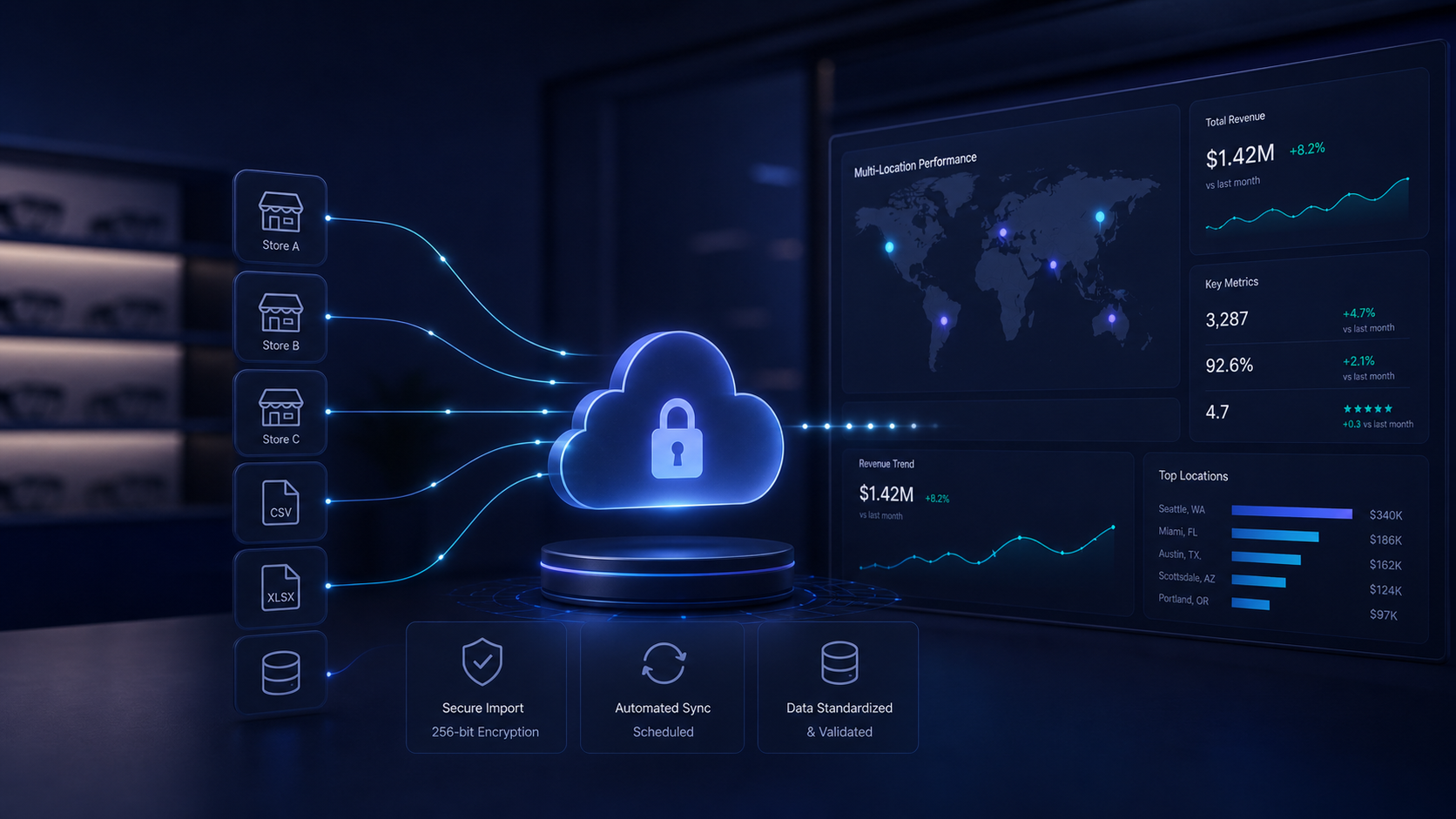
Import your review data flexibly
OpSightIQ supports multiple ways to get your review data into the platform. Whether you export from Google Business Profile or enter data manually, the import process is straightforward.
- CSV import from Google Business Profile exports
- Manual review entry for individual records
- Demo data mode for exploring the platform before your data is ready
- Import history with status tracking
- Flexible field mapping for different export formats
- Support for multiple stores in a single import file
A clear reputation growth plan every month
OpSightIQ doesn't just show you your reputation data — it tells you what to do about it. Each month, the AI generates a prioritized action plan specific to each store's reputation situation.
Prioritized Action Steps
Clear, specific recommendations ranked by impact — from responding to urgent negative reviews to strategies for increasing review volume.
Growth Strategies
Practical tactics for improving your rating over time: when and how to ask for reviews, how to address recurring complaints, and how to highlight strengths.
Shareable Reports
Export the reputation action plan as a PDF or Word document to share with store managers or include in leadership review meetings.
Ready to take control of your online reputation?
Request a demo and see how OpSightIQ's Reputation Intelligence module can help your stores protect and grow their Google presence.